All-in-one Video Agent
HeyGen's chat-based video agent takes a prompt, picks the avatar, voice, and style/brand, and drafts a publish-ready clip — no timeline editing required.
Case Study · Content Creation
Using HeyGen's avatar, voice, and brand-aware video agent to produce on-brand Zesty Bowl content — from one-line prompt to publish-ready clip in minutes, not days.
HeyGen's chat-based video agent takes a prompt, picks the avatar, voice, and style/brand, and drafts a publish-ready clip — no timeline editing required.
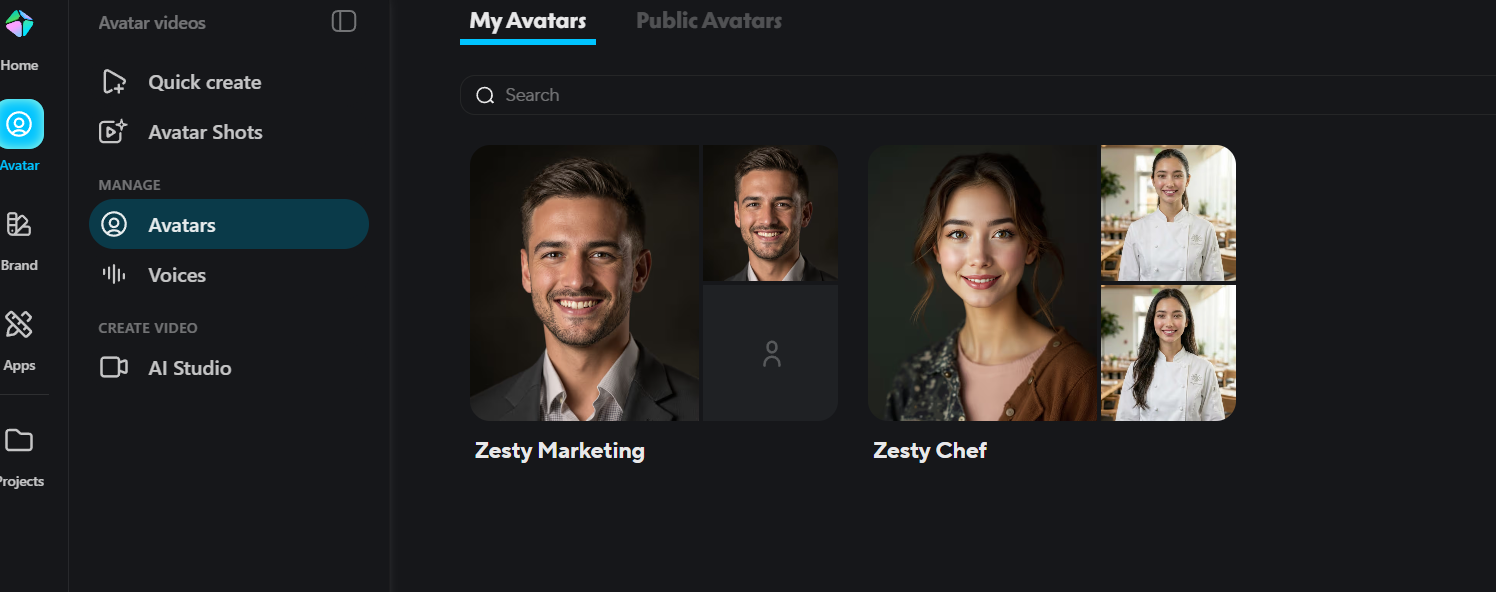
Built two reusable avatars — Zesty Marketing (founder-style spokesperson) and Zesty Chef (in-kitchen presenter) — trained from a handful of reference shots.
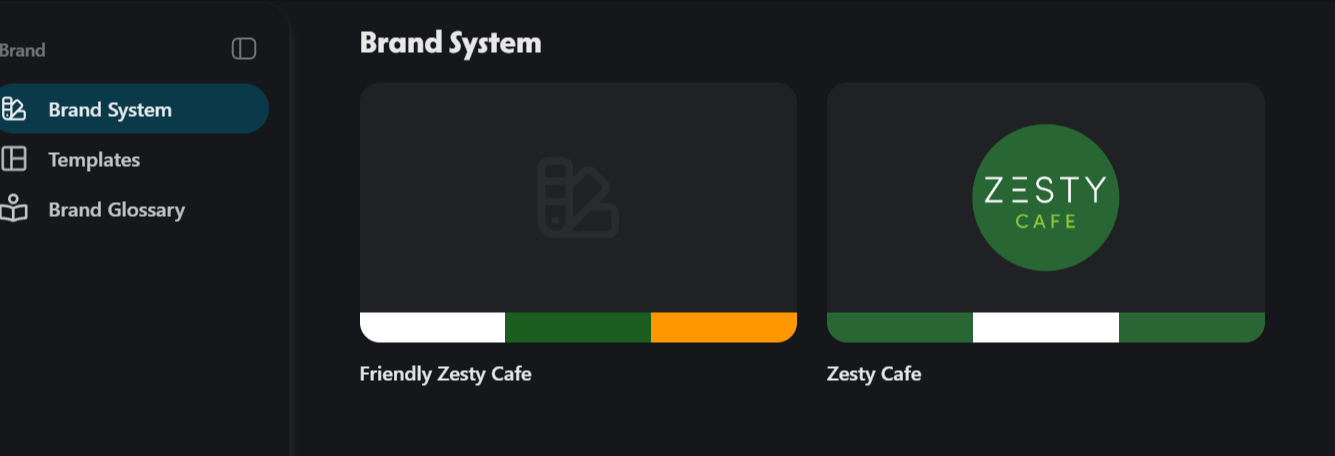
Saved the Zesty Cafe palette, logo, and a friendlier variant into HeyGen's Brand System, so every video auto-applies the right colors and identity.
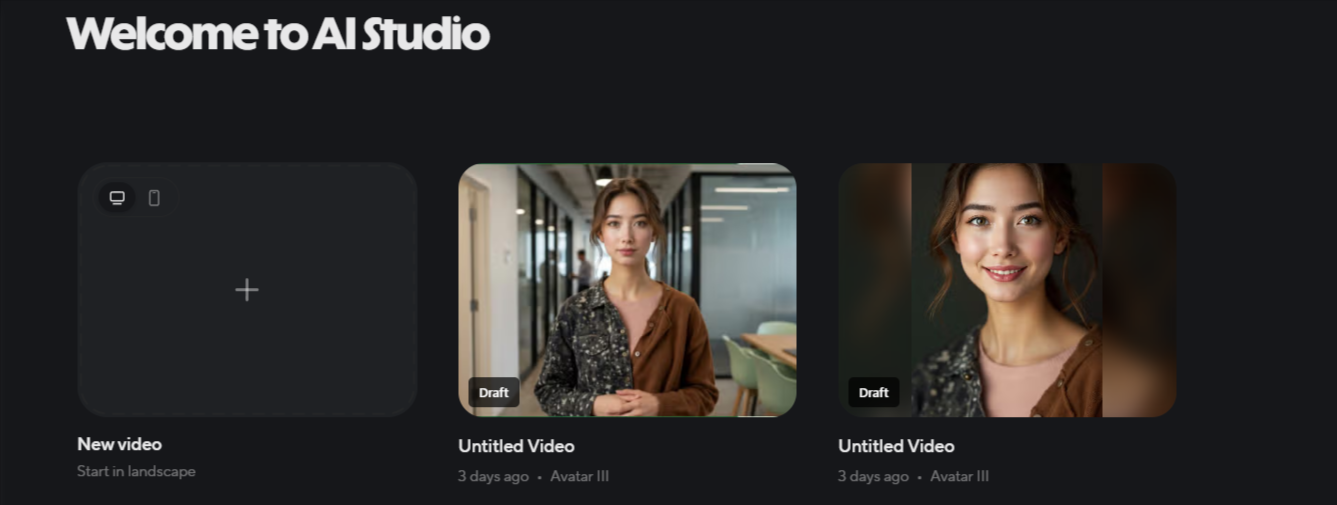
AI Studio handles longer scripted videos; folders keep drafts, agent chats, and final cuts organised across the Zesty Bowl content library.
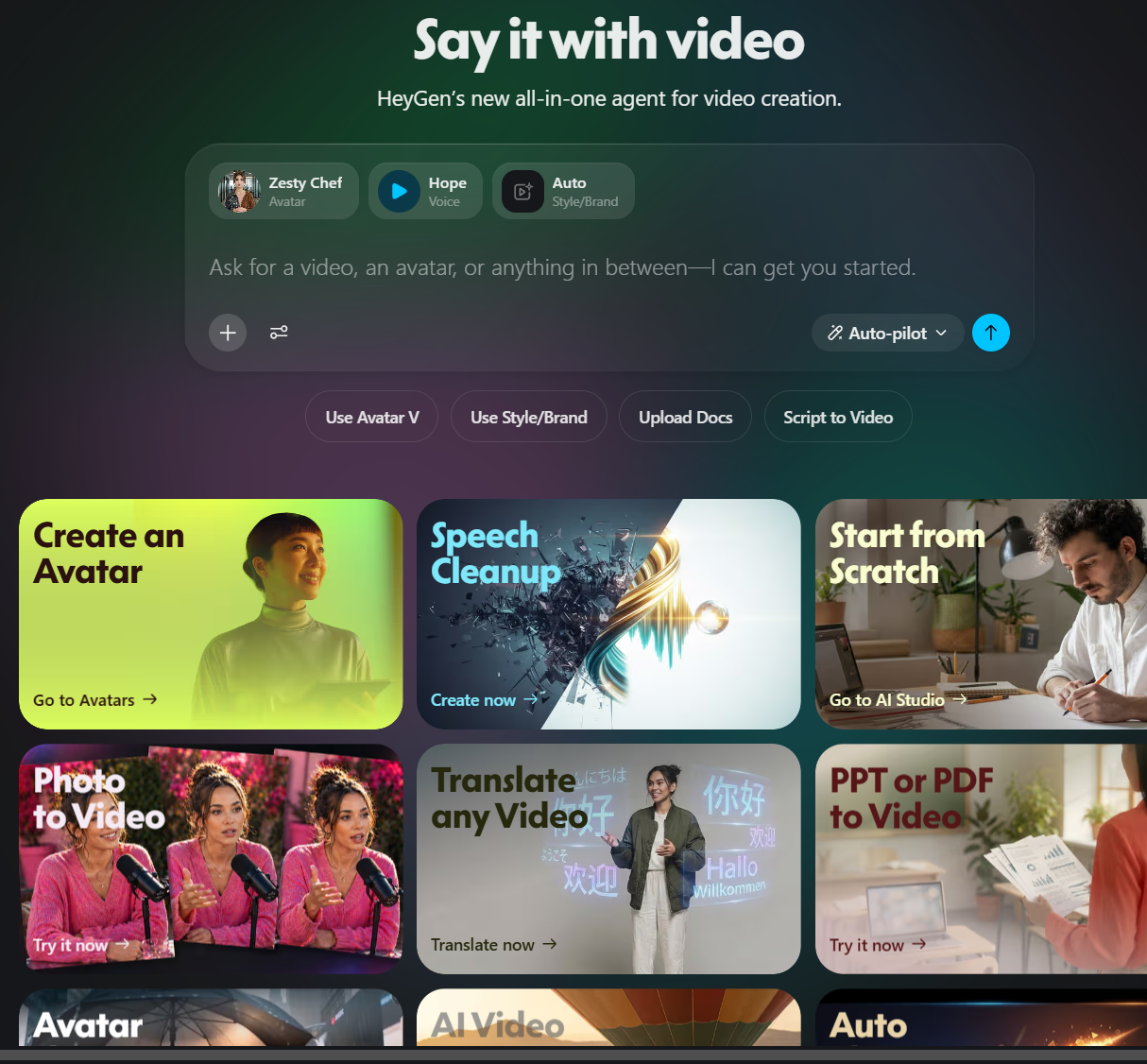
The HeyGen agent home is a single prompt box. Pick an avatar, a voice (Hope), a style/brand, and ask for a video — or jump straight into Avatars, Speech Cleanup, Photo-to-Video, PPT-to-Video, or Translate.
Under Avatars → Manage, I created Zesty Marketing and Zesty Chef from a few reference photos. Each avatar becomes a reusable presenter across every future video.
In Brand → Brand System I saved two variants — Zesty Cafe and a Friendlier Zesty Cafe — with logo, palette, and accent colors so every generated video stays on-brand.
AI Studio is the long-form workspace: pick a format (landscape/portrait), drop in a script, and HeyGen renders a draft with the chosen avatar, voice, and brand styling.
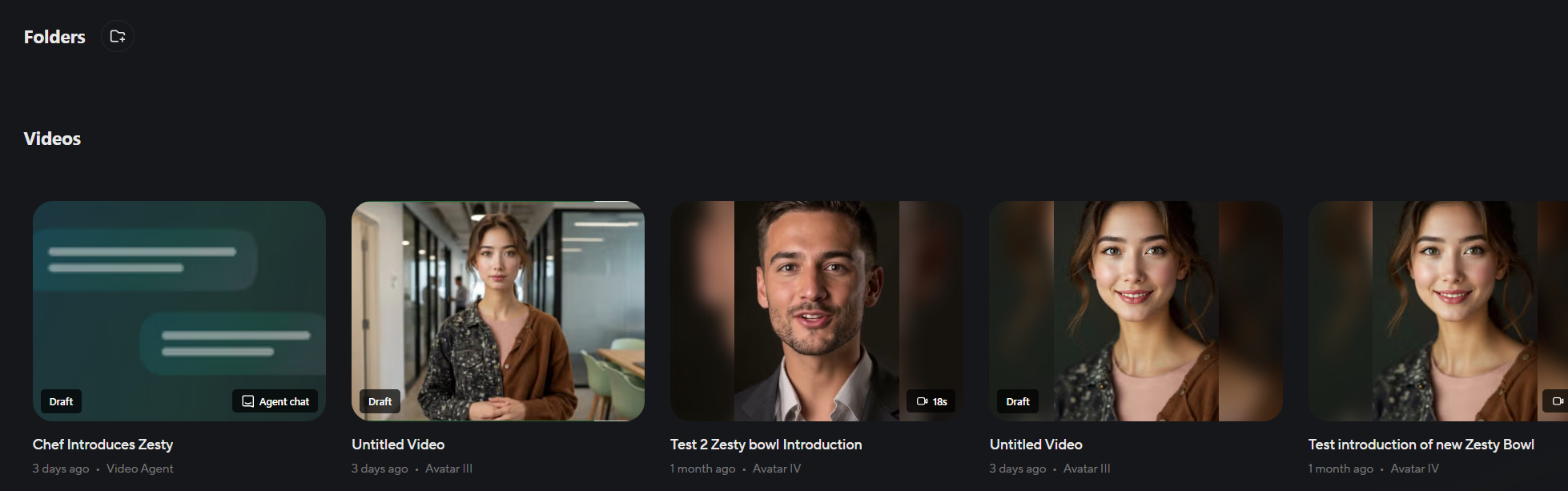
All Zesty Bowl content lives in Projects: agent chats, avatar shots, and finished clips like 'Chef Introduces Zesty' and the Zesty Bowl introduction — ready to publish.
HeyGen collapses the script → shoot → edit pipeline into a single prompt. Pairing reusable avatars with a saved brand system means every new clip starts at 80% finished — perfect for a small team shipping consistent video content week after week.