Centralized Asset Library
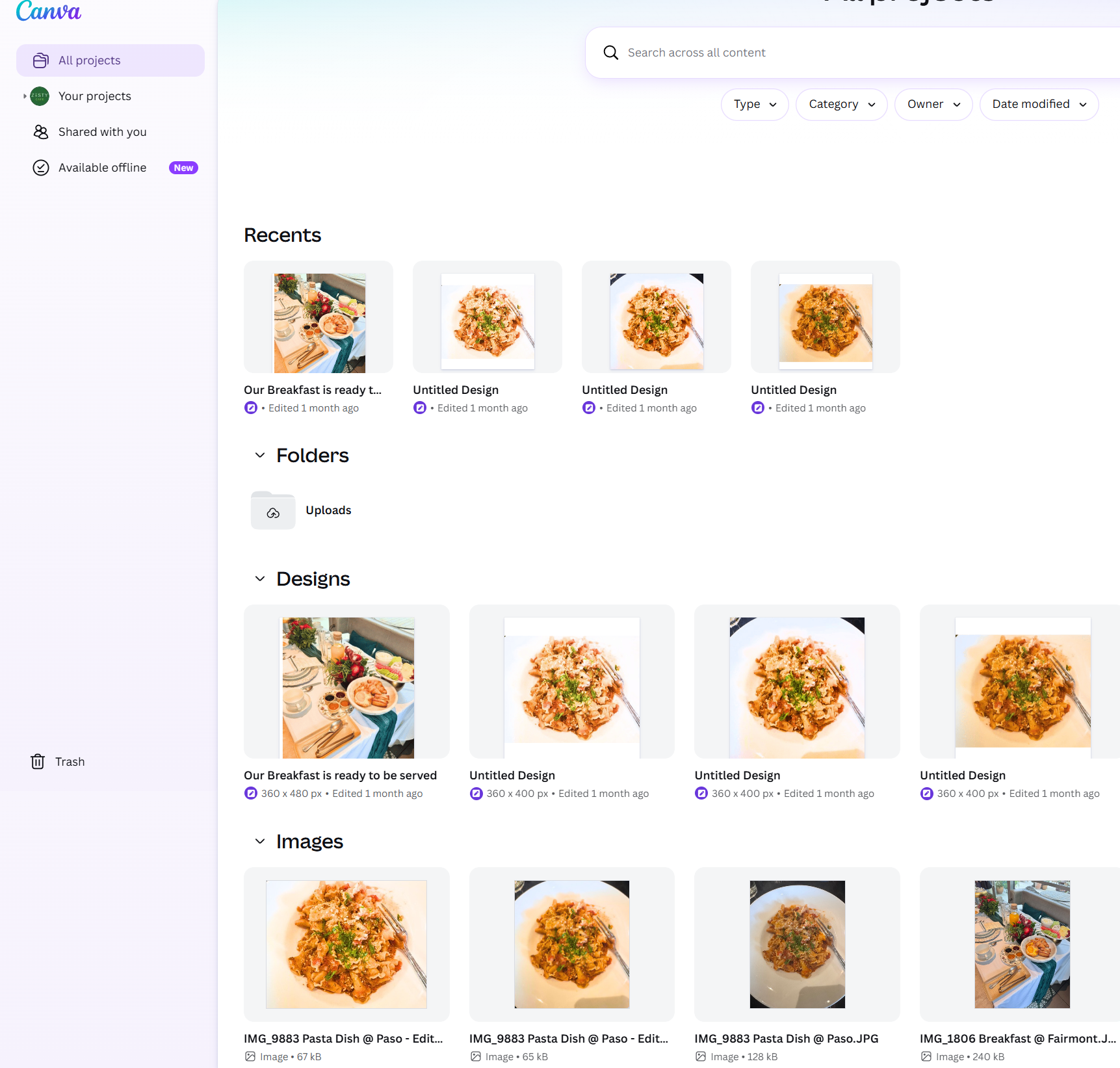
Every Zesty Bowl shot — pasta dishes, breakfast spreads, lifestyle photos — lives in one Canva workspace, organised by Recents, Folders, Designs, and Images for fast reuse.
Case Study · Content Creation
Canva as the central production hub for the Zesty Bowl launch — every raw photo and brand asset organised, templated, and shipped across social, print, and email in a single workspace.
Every Zesty Bowl shot — pasta dishes, breakfast spreads, lifestyle photos — lives in one Canva workspace, organised by Recents, Folders, Designs, and Images for fast reuse.
Used Canva's Magic Edit, background remover, and brand colors to transform iPhone food photography into clean, menu-ready visuals with consistent framing and tone.
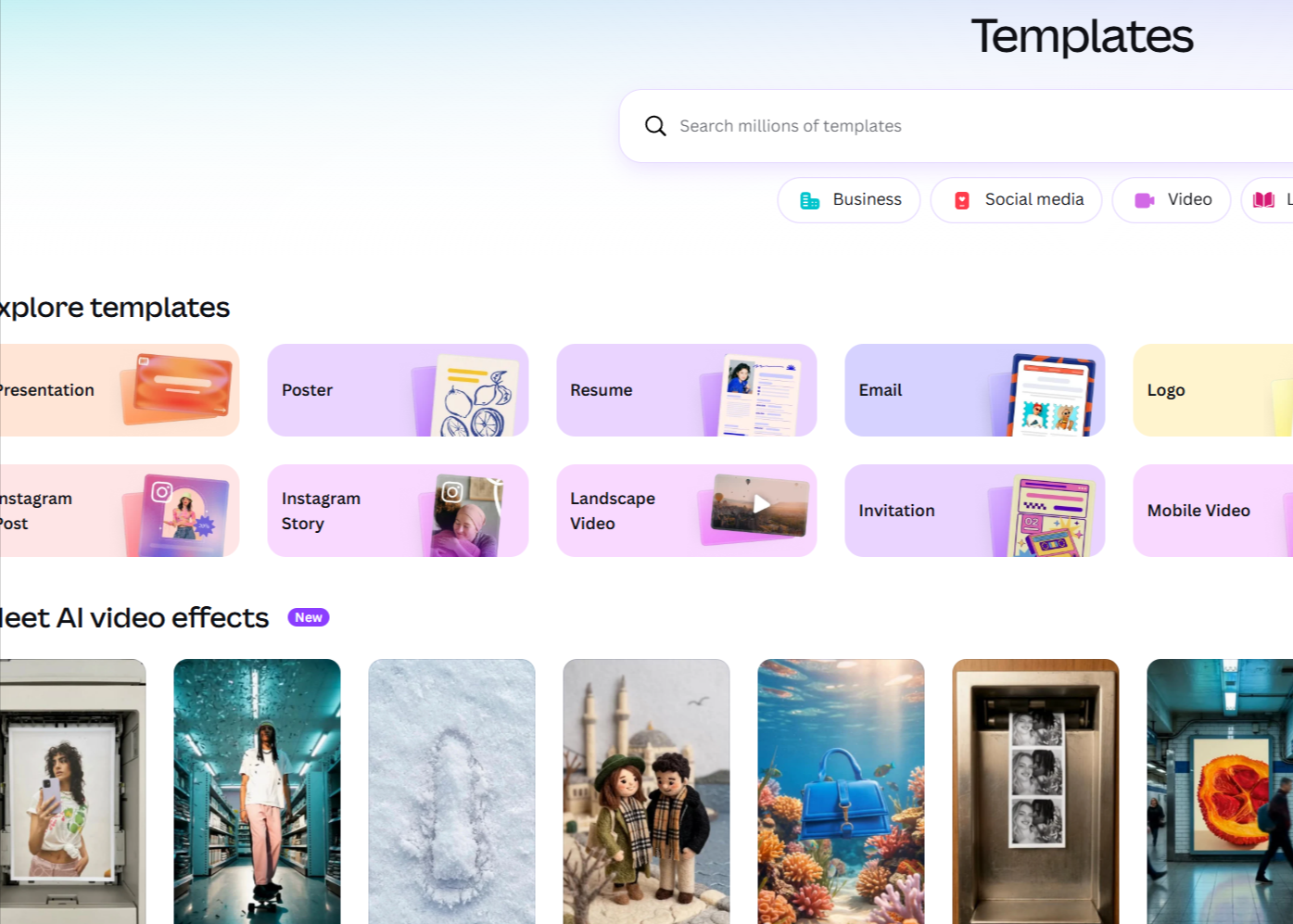
Canva's template library (Presentation, Poster, Instagram Post/Story, Landscape Video, Email, Logo) means new launch assets start at 80% finished — just swap photos and copy.
One source design exports to Instagram Post, Story, Landscape Video, and printable poster — keeping the same hero shot consistent across every channel.
All Zesty Bowl assets sit inside All Projects in Canva: Recents for quick access, Folders for raw uploads, Designs for in-progress work, and an Images section that holds every source photo (pasta dishes, breakfast spreads) ready to drop into any new design.
From the Templates browser I pick the right format — Presentation for the pitch deck, Instagram Post/Story for launch, Landscape Video for hero reels, Poster for in-store, Email for newsletters, Logo for identity work. Every new asset starts from a proven layout instead of a blank page.
Canva is the connective tissue between raw assets and a finished brand. Pairing a tidy project workspace with the template library turns every launch beat — social post, menu card, deck slide, hero video — into a 10-minute production instead of a half-day project.